Try the demo
Pick a job and follow it through the real app, step by step: your side on a laptop, your clients' and members' on a phone. Switch between Suggs Gym and three example brands. The people and messages are made up.
Run your classes
Members book from your timetable, and you take the register on the day.
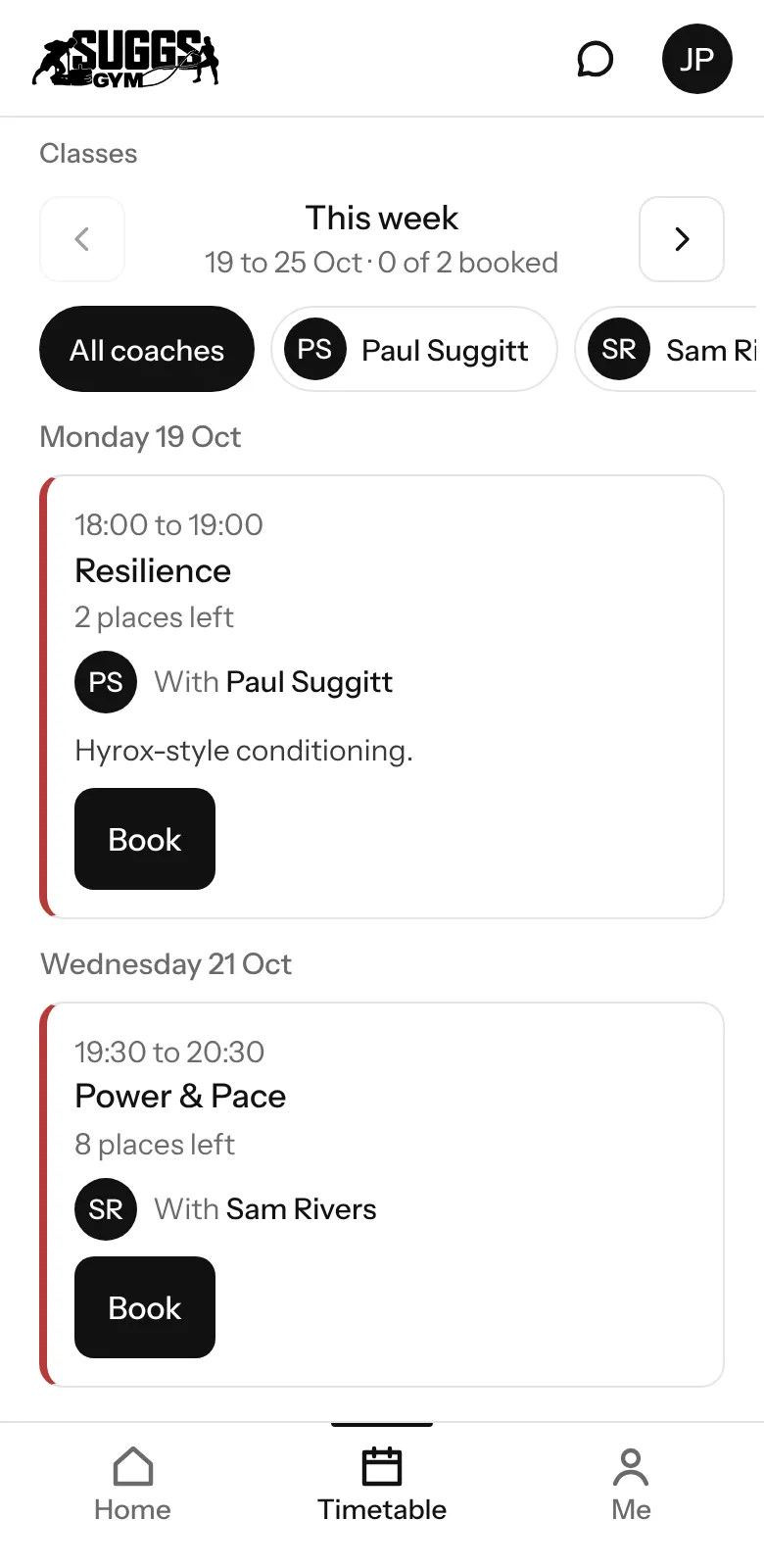
Run your classes, step 1 of 4: Jess opens the timetable and sees Power & Pace, with the places left and who takes it.
These are real screens from the app, captured from its demo gyms. The people and messages are made up, and the prices are examples.
Look around the app yourself
Every screen of the app as a coaching client, a class member and a coach. Tap the menu at the bottom of the phone, or the message button at the top, as you would in the app.
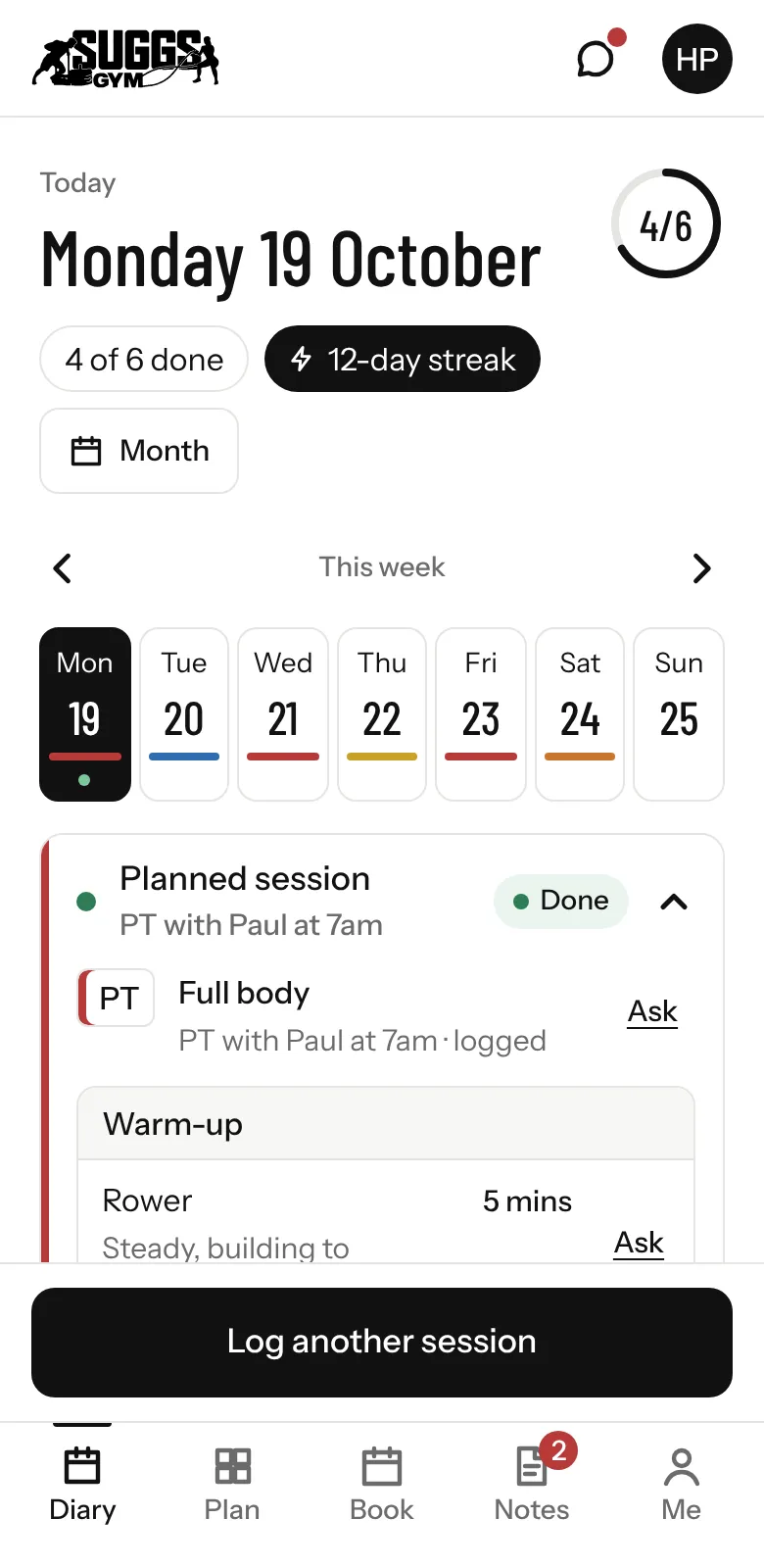
Suggs Gym, client: Diary
Things to try as a client
- Tap the menu at the bottom of the phone, or the message button at the top, as you would in the app
- Open Plan to see the week the coach has set
- Look in Book for PT sessions and classes
- Switch brand and watch the whole app change
This is what coaching clients see: the coach's name, logo and colour.
These are real screens from the app. The clients, members and messages are made up.